
Downloading the Configuration
After creating an OpenVPN XOR tunnel, it must be configured on the remote server side. In the tunnel context menu ⋯, select Download Configuration.
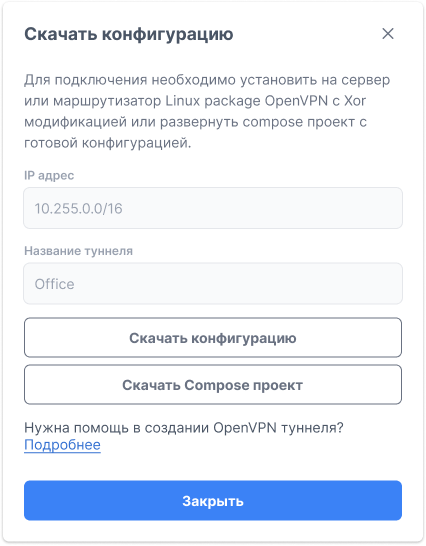
The form offers two options:
Download Configuration
A configuration file for manual installation. Server requirements:
- Installed OpenVPN with XOR modification (
tunnelblickpatch) - Linux-compatible operating system
Download Compose Project
A ready-made docker-compose project with pre-installed OpenVPN XOR. Suitable for deployment without manual package building.
sh
# Install OpenVPN with XOR patch and run with the configuration
openvpn --config /path/to/downloaded.conf
sh
# Extract the downloaded archive and run
docker compose up -d